

Software for everyday problems.
Three apps for the US, built by us. This page shows how each of them works. None of them is open to the public yet.
01Tax softwareIn development
Photograph the receipt. Know what to set aside.
For people in the US who work for themselves. Receipts, income and mileage in one place, with the numbers ready before tax time.
About the project- Works on
- iPhone and Android, installed from the browser
- Languages
- English, Spanish and Russian
- Doesn't do
- File tax returns or give tax advice
- 01
Snap
Take a photo of a paper receipt. The app reads the store, the date, the amount and the category.
- 02
Check
Fix anything with a tap. The photo stays with the record.
- 03
Know
See your profit and how much tax to set aside, and send your accountant one file.
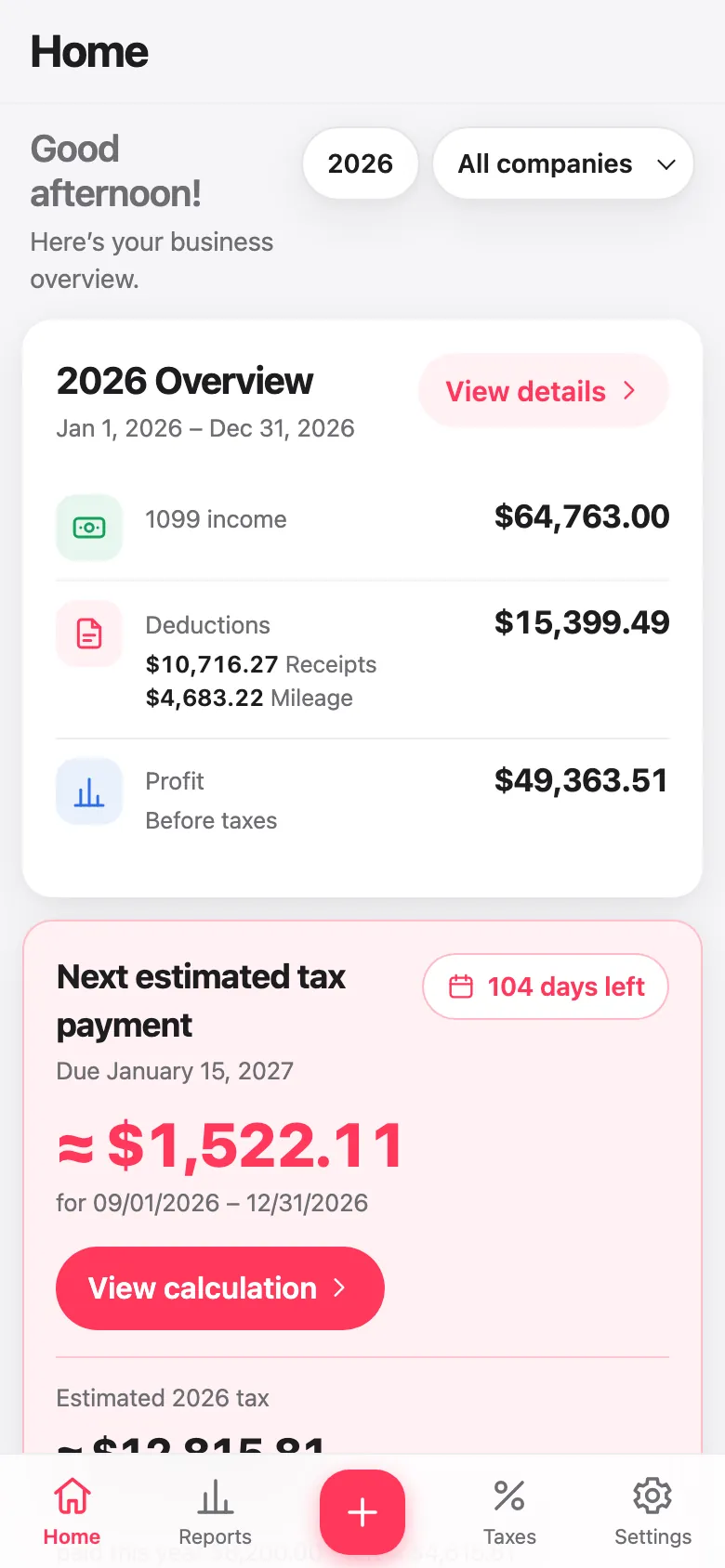
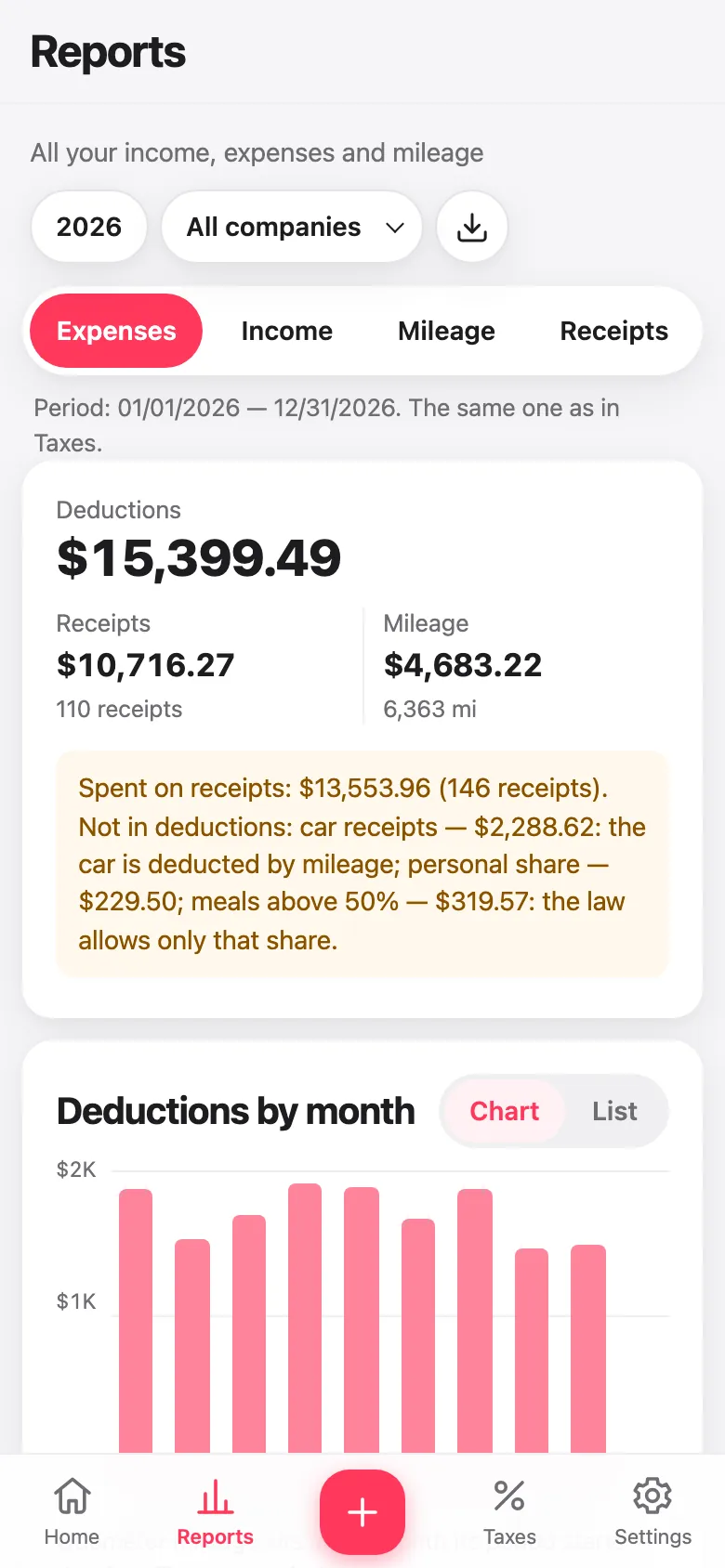
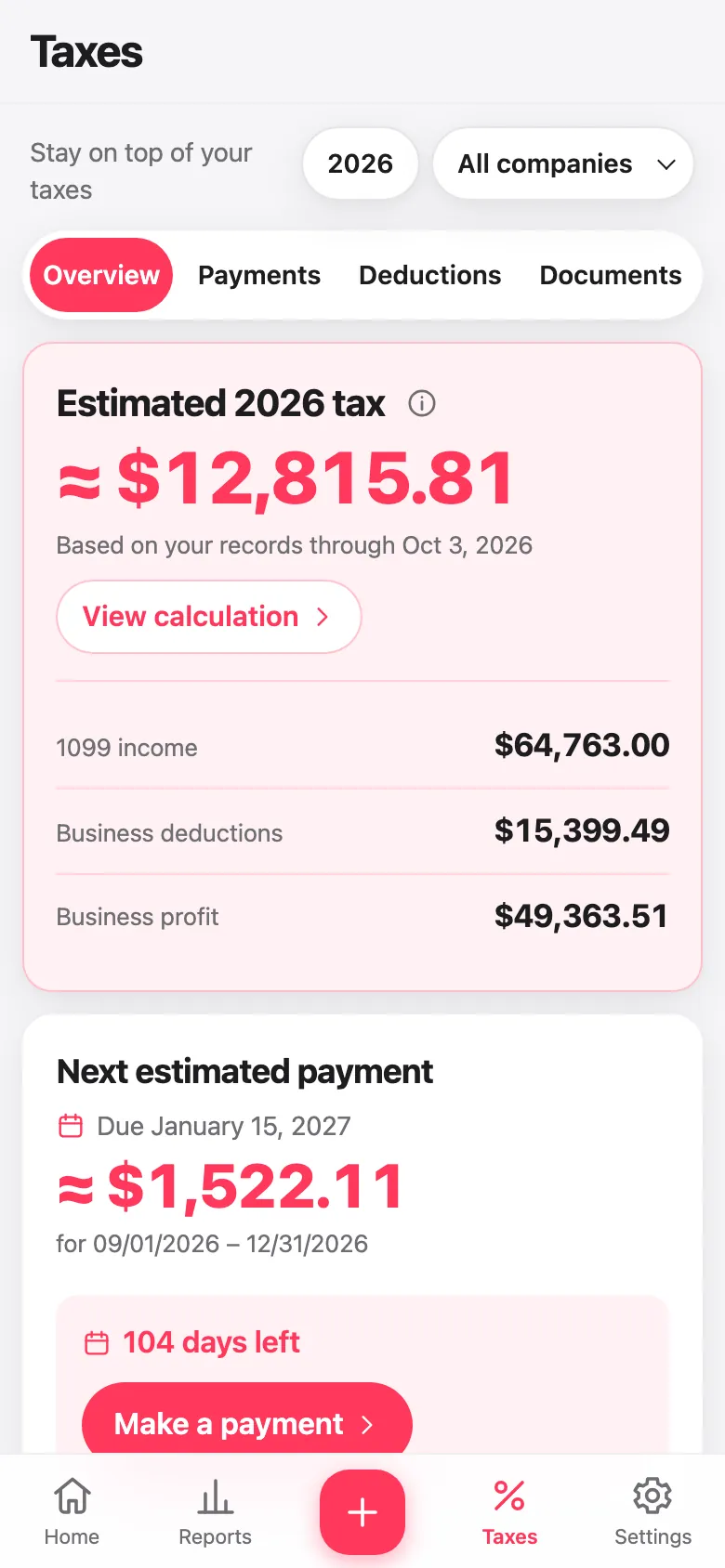
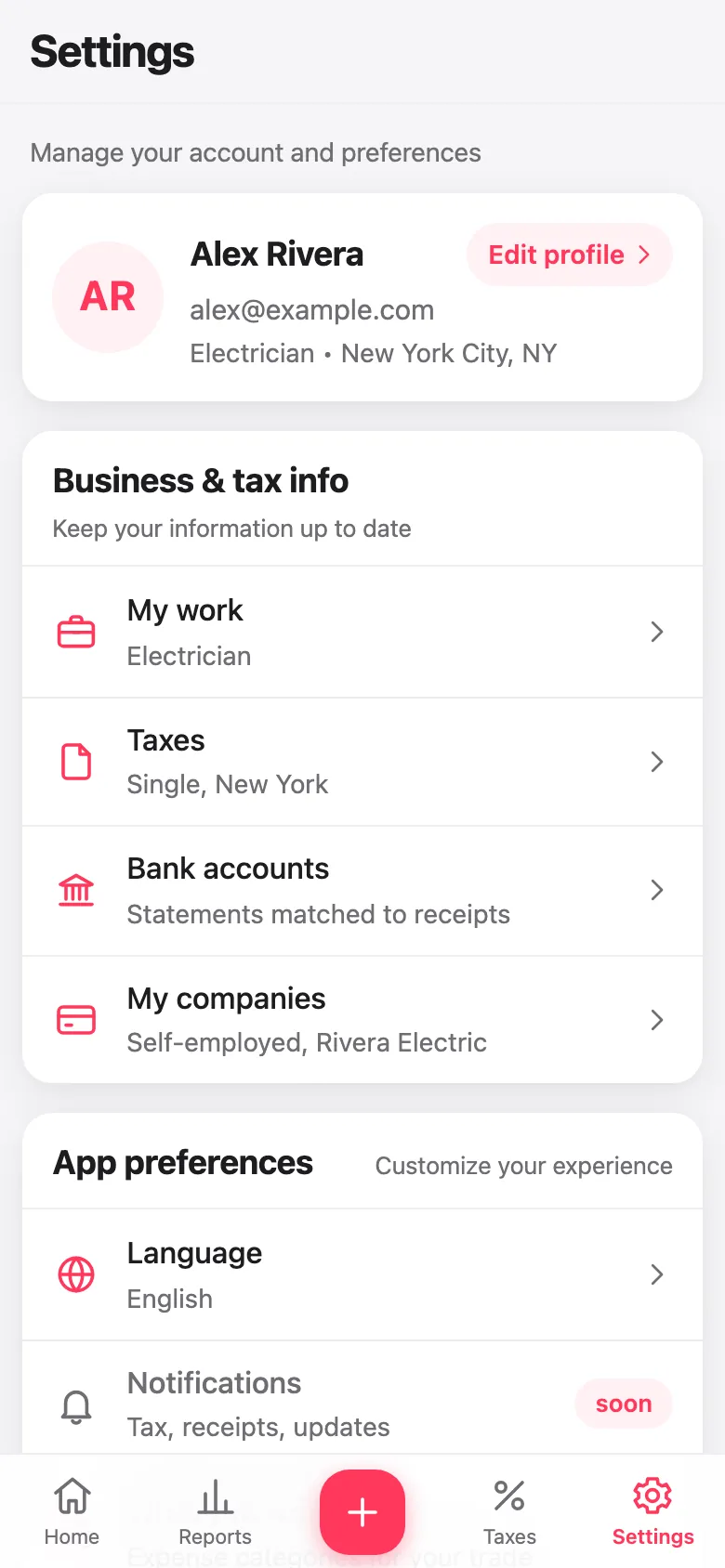
Real screens from the app, shown with a sample account.
02MarketplaceIn development
Pass it on to a neighbor, for free.
For neighbors in the US who have things they no longer need, and neighbors who could use them.
About the project- Works on
- The web, iPhone and Android
- Costs
- Nothing. No money, no haggling, no resellers
- Buying and selling
- Not in the first version. Maybe later, with no date set
- 01
Post
One neighbor posts something they no longer need.
- 02
Find
Another neighbor finds it nearby.
- 03
Agree
They agree on the details in a chat.
- 04
Meet
They meet, and the item changes hands.
03App for installation crewsIn development
A week of crew work, in one system.
For installation companies in the US with up to about 50 installers, whether they are employees or contractors.
About the project- Works on
- An office dashboard, and an installer app for iPhone and Android
- Languages
- The installer app is in English, Spanish and Russian
- Doesn't do
- Calculate payroll taxes. That stays with your payroll provider
- 01
Jobs
The office enters a job on one screen: the customer, the address and what has to be done.
- 02
Schedule
A board with installers in rows and days in columns. Visits can be dragged, and overlaps are flagged.
- 03
Time and photos
Installers clock in and out on each job and add before and after photos, even where there is no signal.
- 04
Pay
Hourly pay with overtime and minimum wage under federal and state rules, for employees and contractors alike.
- 05
Payroll
The office approves the hours, closes the pay period and exports the result for payroll.